

How it runs: Ask Hops, with a skill so the output has the same format every time. No automation needed.
What it does
- Drafts in the rep’s voice. Hops matches the tone of past emails and keeps it under 150 words.
- Uses the account history. Deal stage, earlier threads and open items come from the CRM and Gmail.
- Follows your playbook. Templates and messaging pinned in the Space shape the structure of the email.
- Ends with a clear ask. Every draft has agreed next steps with dates and one specific ask.
- Leaves it as a draft. The email waits in Gmail or Outlook for you to review and send.
Ask Hops
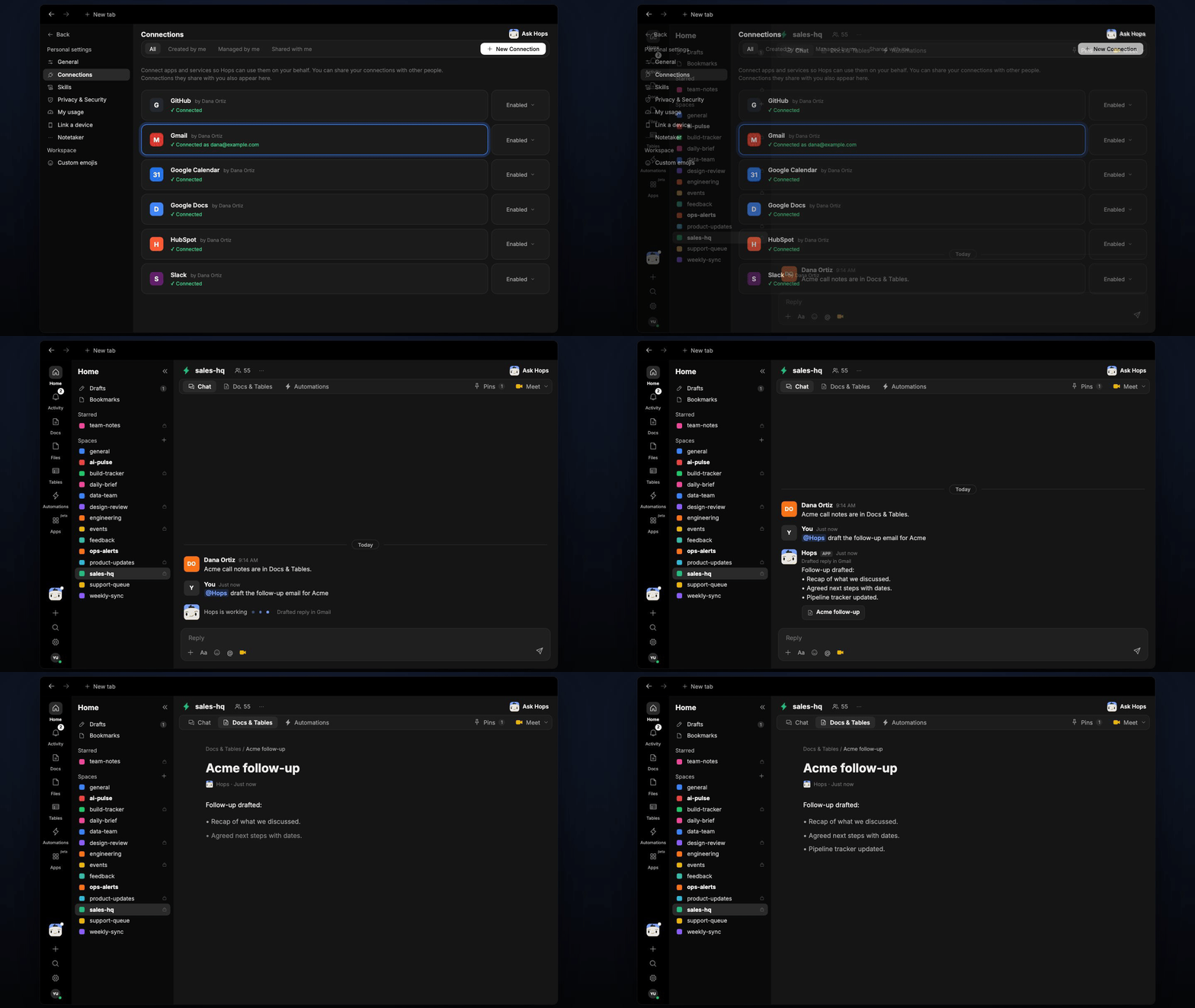
Copy a prompt into any chat with Hops, or mention@Hops in a Space.
Follow-up drafted for Acme:
- Recap of SSO, security review and 200-seat pricing.
- Next steps: security review Oct 16, pricing sent by Friday.
- Draft saved in Gmail, 128 words.
What you get
- An email draft in Gmail or Outlook, ready to review.
- An answer in chat, in the same thread, with the recap and next steps.
- A saved Doc, when you ask for one. Say “save the recap as a doc” and Hops writes it to Docs in the Space.
Connections needed
Connect these apps. Each card opens Connections in the app.HubSpot
Account history and deal stage (or Salesforce).
Gmail
Earlier threads and the draft (or Outlook).
Google Drive
Playbooks and email templates.
Set it up
1
Connect your apps
Connect your CRM, Gmail or Outlook and Google Drive in Connections.See Connections.
2
Pin your playbook
Create a Space per major account and add the sales playbook and email templates to Space context.See Spaces and Space context.
3
Add the skill
4
Ask
Ask Hops in chat after each call and paste your notes.