

How it runs: Ask Hops, with a skill so the output has the same format every time. No automation needed.
What it does
- Summarizes the customer. Account tier and background from your CRM.
- States the issue in one sentence so the owner understands it at a glance.
- Shows the full history. What was tried, what happened, with ticket IDs cited.
- Names the open question the escalation owner needs to decide.
- Stays short. The brief is under 300 words.
Ask Hops
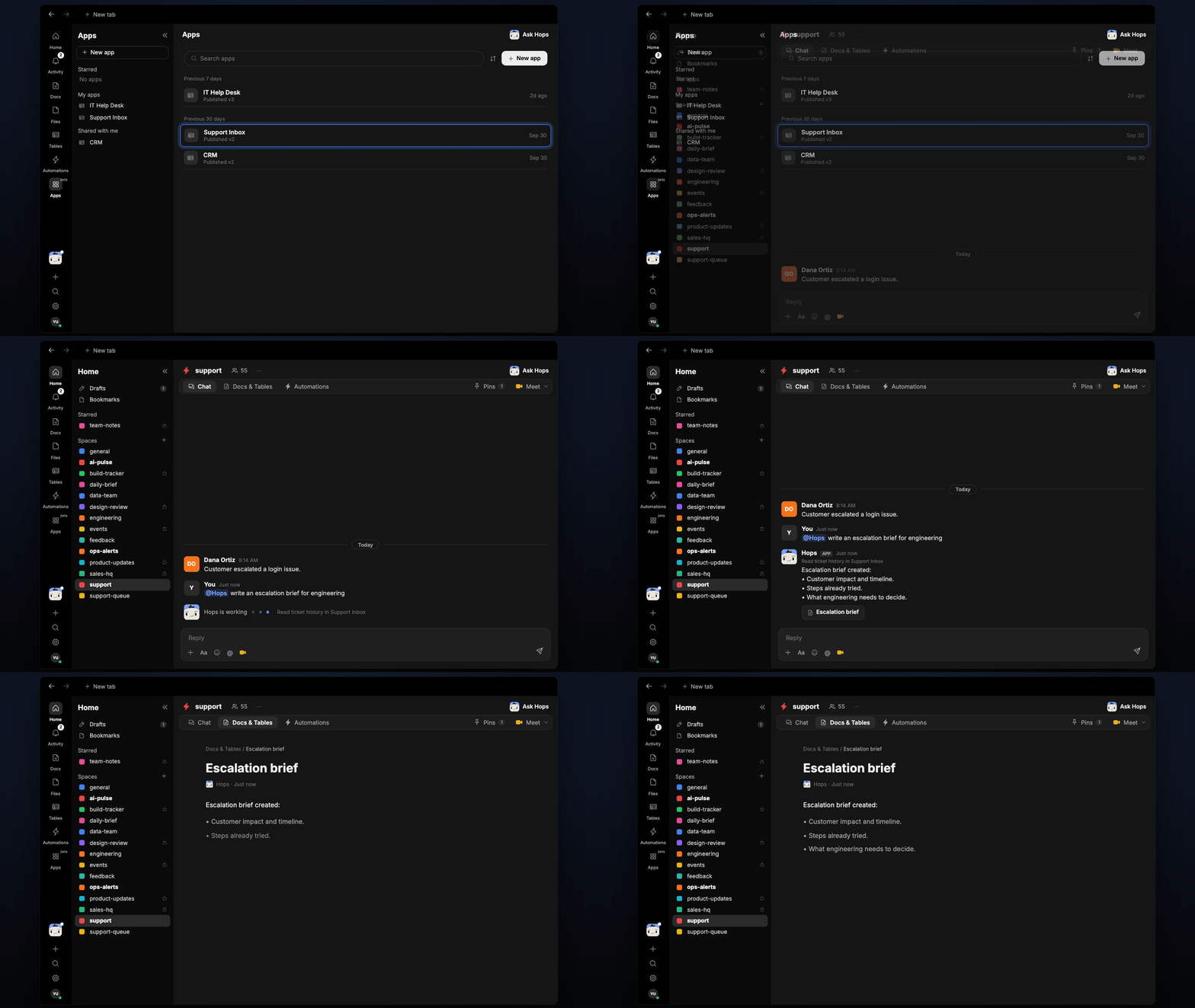
Copy a prompt into any chat with Hops, or mention@Hops in a Space.
Escalation brief, Acme export failures:
- Customer: Enterprise tier, 3 years, renewal in 60 days.
- Impact: exports fail for 40 users since Oct 3.
- Tried: cache reset, re-auth, version rollback.
- Decision needed: hotfix or workaround for the renewal.
What you get
- A brief in chat, in the same thread, with ticket IDs cited.
- A saved Doc, when you ask for one. Say “save this as a doc” and Hops writes it to Docs in the Space.
- A post to engineering, if you ask Hops to share it in Slack or Linear.
Connections needed
Connect these apps. Each card opens Connections in the app.Zendesk
Tickets and sentiment (or Intercom).
Slack
Share briefs with the engineering channel (or Linear).
HubSpot
Deals, contacts and owners (or Salesforce).
Support Inbox
Ticket threads and customer history.
Set it up
1
Connect your apps
Connect the apps above in Connections.See Connections.
2
Pin context (optional)
Create a support Space with an Escalations thread so briefs stay together.See Spaces and Space context.
3
Add the skill
4
Ask
Ask Hops in chat. Mention the account or period you care about.