

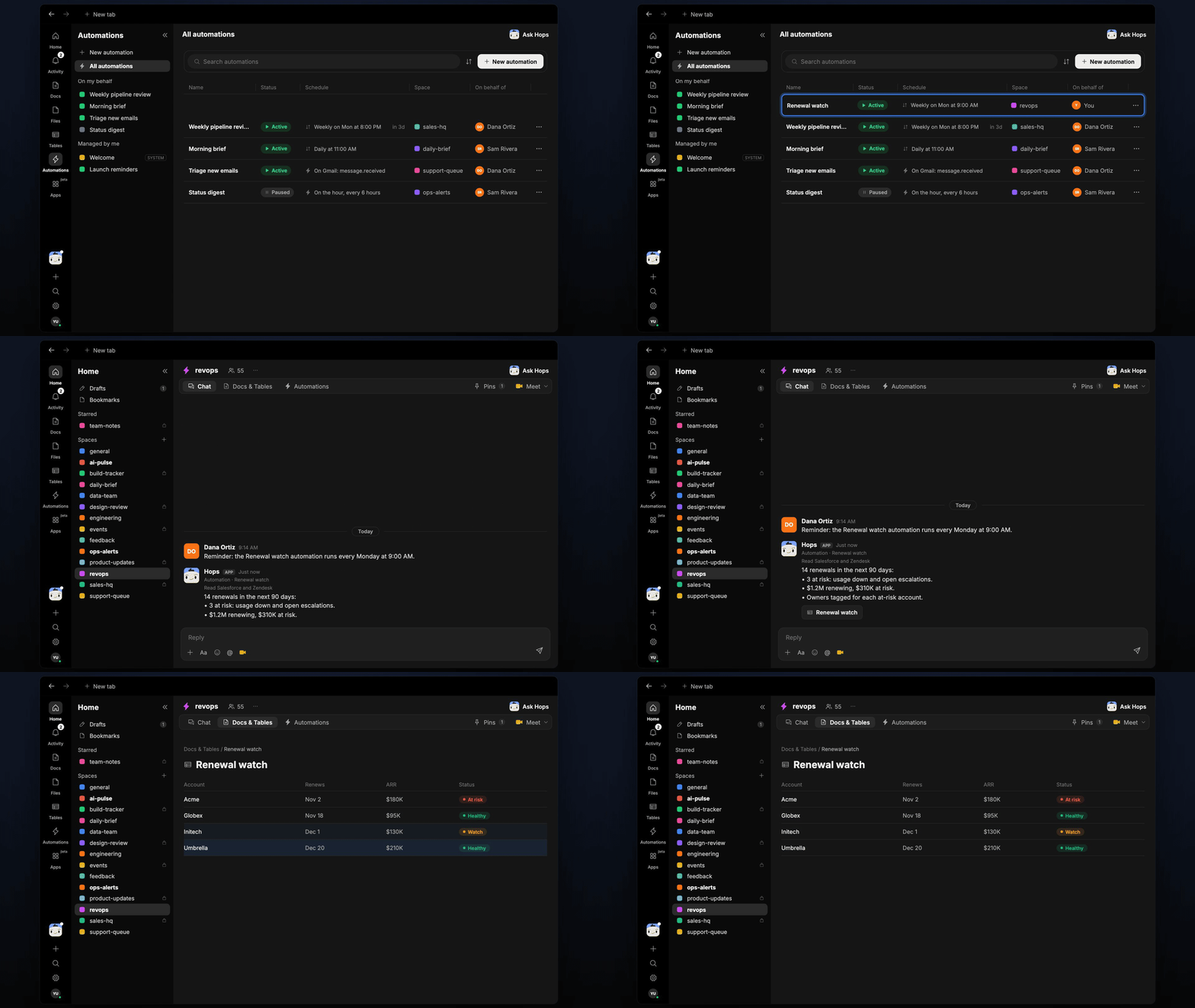
How it runs: Scheduled. An automation runs every Monday at 9:00 AM, posts the renewal list and updates a Table. You can also ask Hops any time.
What it does
- Lists the next 90 days. Every renewal with ARR, owner and date from Salesforce or HubSpot.
- Rates risk from signals. Usage trend from Amplitude, open escalations in Zendesk and last contact date.
- Explains each at-risk rating in one line, so the CSM knows where to start.
- Totals the exposure. Renewing ARR and at-risk ARR at the top.
Ask Hops
Copy a prompt into any chat with Hops, or mention@Hops in a Space.
14 renewals in the next 90 days:
- 3 at risk: usage down, open escalations.
- 310K at risk.
- Owners tagged on each at-risk account.
What you get
- A Slack or Space post every Monday with totals and at-risk accounts tagged to owners.
- Updated Tables in the Space with a row per renewal, ARR, risk and reason.
- On-demand lists by owner, segment or date range.
Connections needed
Connect these apps. Each card opens Connections in the app.Salesforce
Opportunities, owners and close dates (or HubSpot).
Zendesk
Tickets and sentiment (or Intercom).
Amplitude
Product usage trends.
Slack
Where Hops posts the results and nudges owners.
Set it up
1
Connect your apps
Connect the apps above in Connections.See Connections.
2
Add the skill
3
Schedule it
Run every Monday at 9:00 AM. Hops posts the list to the Space and updates the renewals Table.See Automation.