

How it runs: Ask Hops, with a skill so the output has the same format every time. No automation needed.
What it does
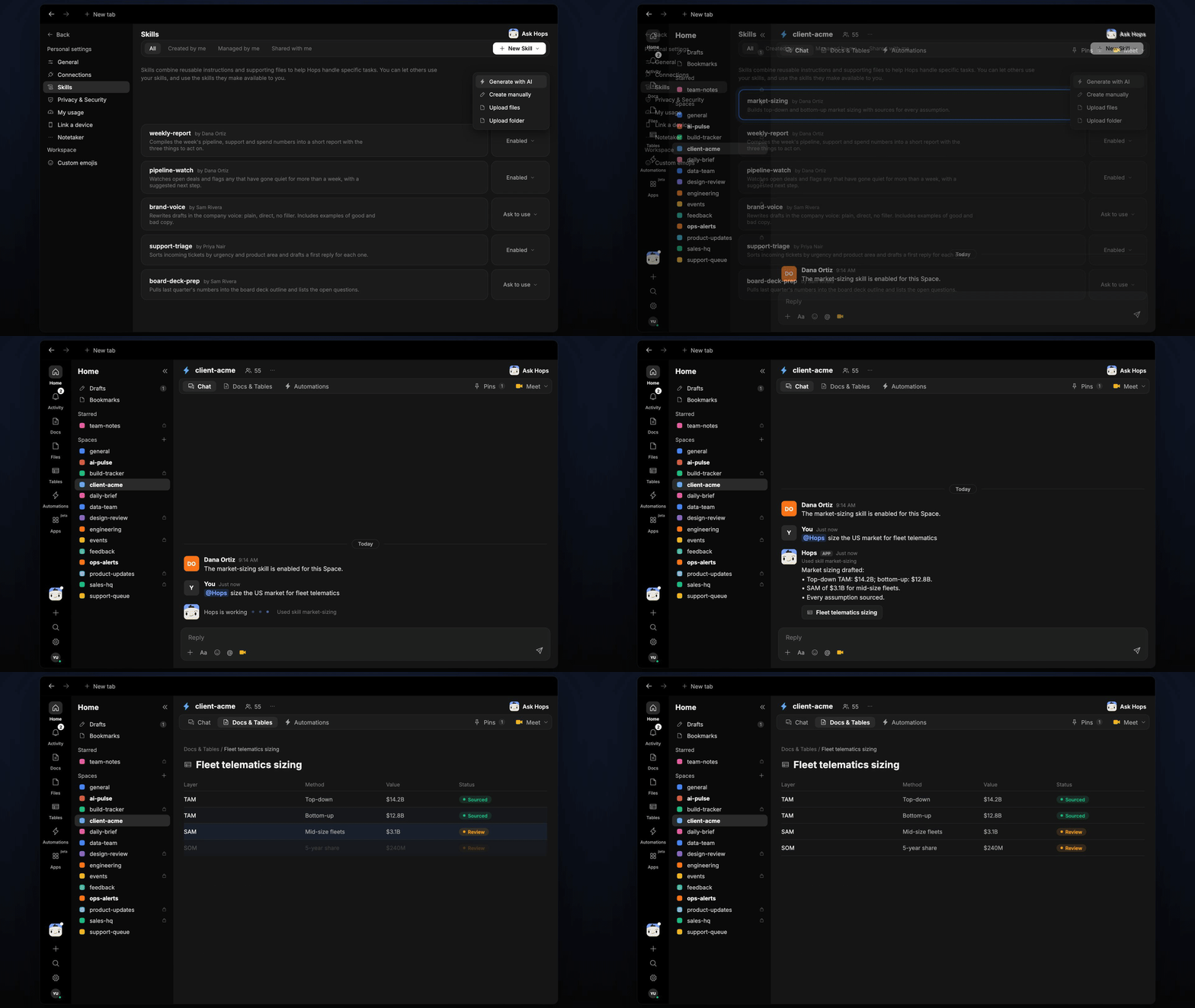
- Builds two estimates. A top-down and a bottom-up view of TAM, SAM and SOM, so you can see where they agree.
- Sources every assumption. Each input links to its source, using web research and past work in Google Drive.
- Shows the math. Formulas and inputs are written out so a reviewer can follow and change them.
- Reuses past work. Hops finds earlier sizing work in Drive for similar markets and starts from it.
- Marks what needs the client. Assumptions that need client validation are flagged.
Ask Hops
Copy a prompt into any chat with Hops, or mention@Hops in a Space.
US fleet telematics, sourced:
- Top-down TAM 12.8B.
- SAM $3.1B for mid-size fleets.
- 3 assumptions marked for client validation.
What you get
- An estimate in chat, in the same thread, with the math and a source for every assumption.
- A saved Doc or Table, when you ask for one. Say “save this as a doc” or “put the assumptions in a table” and Hops writes it to Docs or Tables in the Space.
Connections needed
Connect Google Drive so Hops can find past work. Each card opens Connections in the app. Web research needs no connection.Google Drive
Past sizing work and templates.
Set it up
1
Connect your apps
Connect Google Drive in Connections.See Connections.
2
Pin past work (optional)
Create a client-acme Space and pin related past work in Space context.See Spaces and Space context.
3
Add the skill
4
Ask
Ask Hops in chat whenever a new sizing question comes up.