

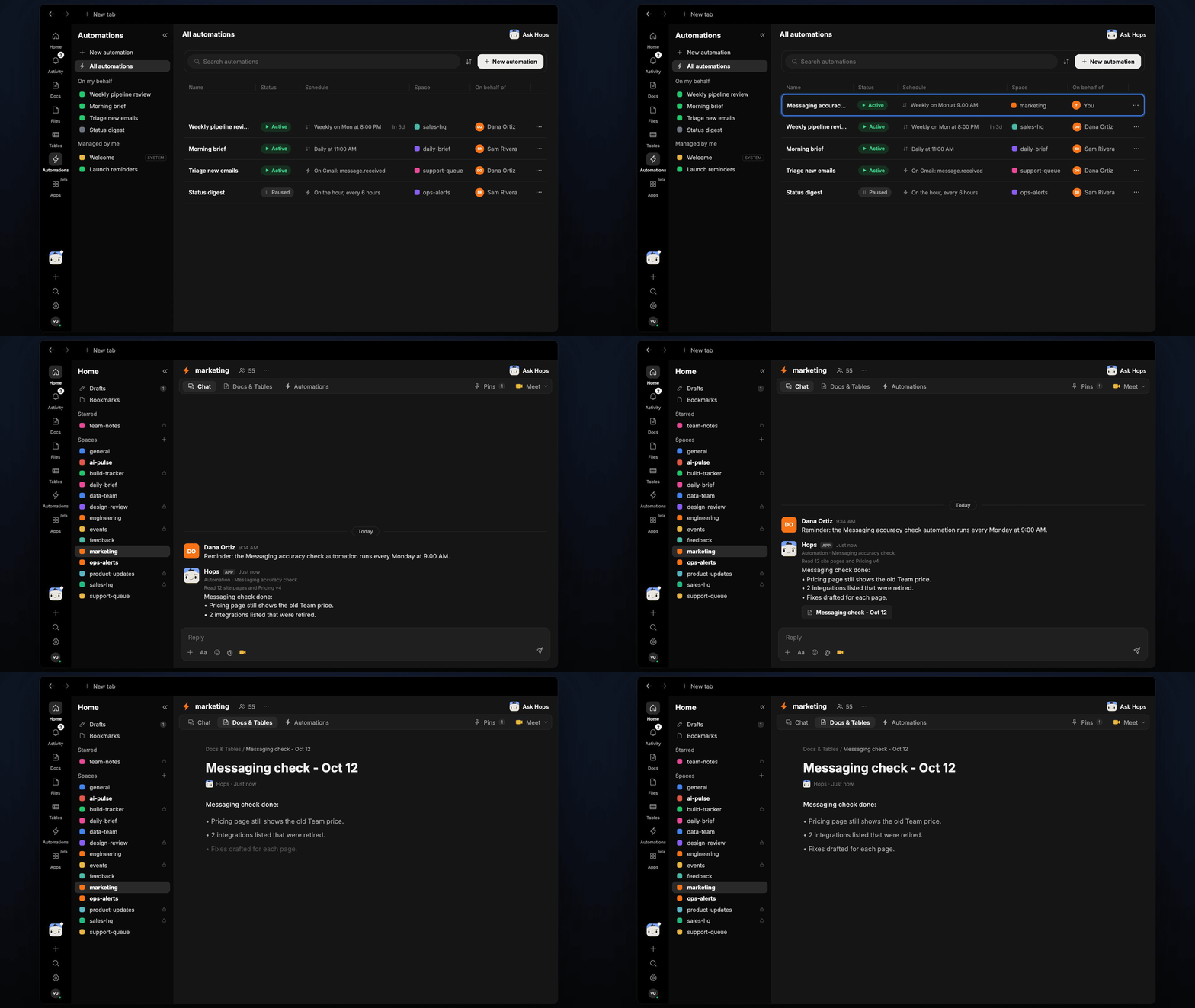
How it runs: Scheduled. An automation runs every Monday at 9:00 AM, posts the outdated claims and saves a dated Doc. You can also ask Hops any time.
What it does
- Reads your key pages. Hops fetches the site pages you list, such as pricing, product and integrations.
- Compares with the source of truth. Claims are checked against the current pricing and product overview pinned in Space context.
- Flags exact text. Each finding quotes the outdated line, says what it should be and links the page.
- Catches more than prices. Retired integrations, renamed features, old limits and stale stats all get flagged.
- Drafts the fix. Hops writes replacement copy for each finding so the web team can paste it in.
Ask Hops
Copy a prompt into any chat with Hops, or mention@Hops in a Space.
Messaging check done on 12 pages:
- Pricing page still shows the old Team price.
- 2 integrations listed that were retired.
- Fixes drafted for each page.
What you get
- A Monday post in Slack (or the Space chat) listing outdated claims by page.
- A dated Doc in Docs in the Space with each finding, the exact text and the drafted fix.
- Answers on demand. Ask Hops to check a page or claim any time.
Connections needed
Connect these apps. Each card opens Connections in the app.Google Docs
Pricing and product docs to check against.
Slack
Where the weekly findings get posted.
Set it up
1
Connect your apps
Connect Google Docs and Slack in Connections.See Connections.
2
Create the Space
Create a marketing Space. Pin current pricing, the product overview and the list of pages to check in Space context.See Spaces and Space context.
3
Add the skill
4
Schedule it
Runs every Monday at 9:00 AM. It posts findings to the Space chat and saves a dated Doc.See Automation.