

How it runs: Ask Hops, with a skill so the output has the same format every time. No automation needed.
What it does
- Uses your template. Hops follows the JD template pinned in Space context, so every draft has the same sections.
- Pulls specifics from the brief. Responsibilities, requirements and how success is measured come from what the hiring manager wrote.
- Matches your tone. Hops reads recent JDs in Drive or Notion and mirrors their voice and structure.
- Keeps it tight. Responsibilities are limited to 5-7 bullets, and standard benefits text is added as is.
- Flags gaps. If the brief is missing something, such as level or location, Hops asks instead of guessing.
Ask Hops
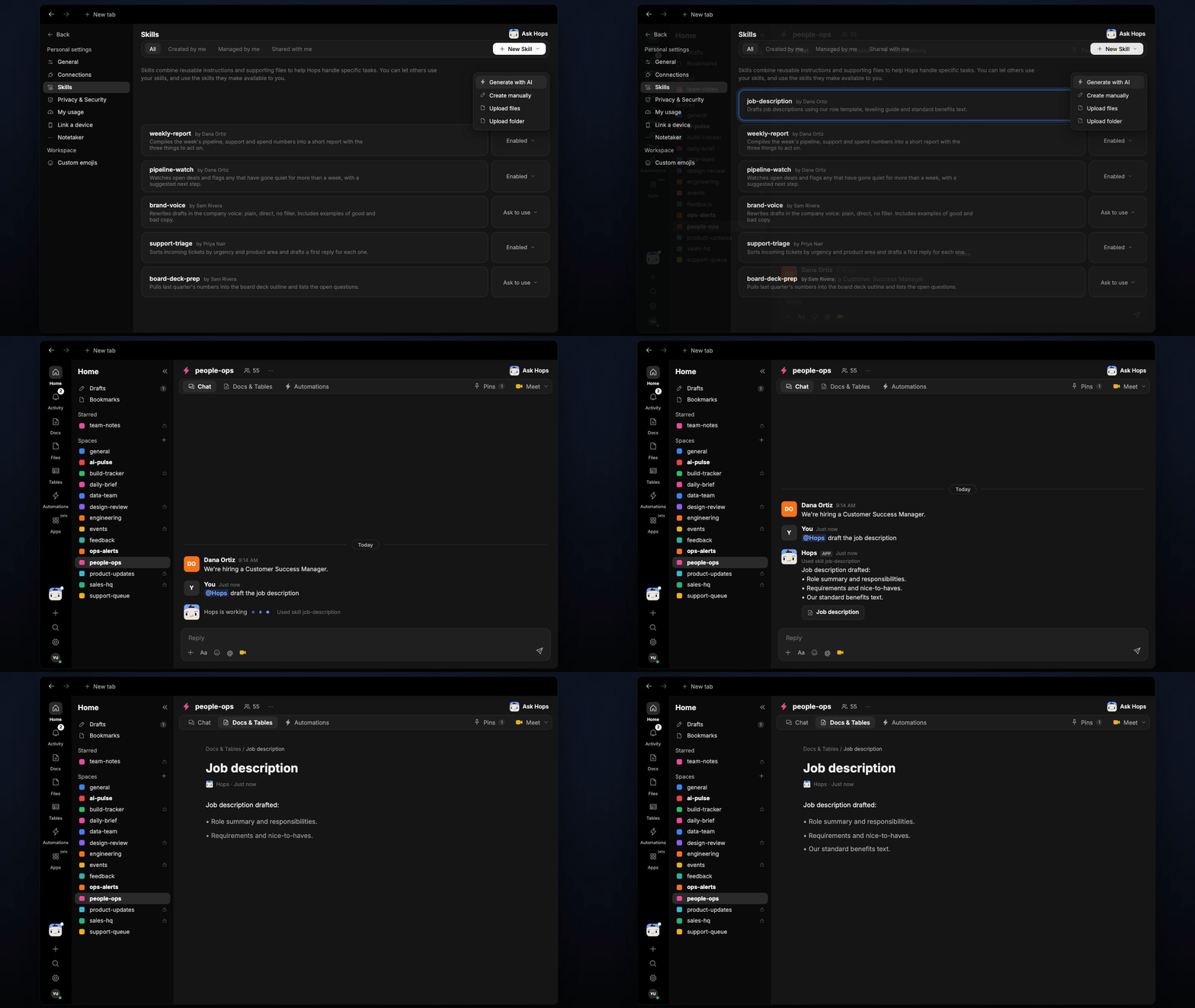
Copy a prompt into any chat with Hops, or mention@Hops in a Space.
Job description drafted:
- Role summary and responsibilities.
- Requirements and nice-to-haves.
- Our standard benefits text.
What you get
- A draft in chat, in the same thread, ready to edit.
- A saved Doc, when you ask for one. Say “save this as a doc” and Hops writes the JD to Docs in the Space.
Connections needed
Connect these apps. Each card opens Connections in the app.Google Drive
JD templates and past JDs (or Notion).
Greenhouse
Open roles and existing postings (or Lever).
Set it up
1
Connect your apps
Connect Google Drive or Notion, and your ATS, in Connections.See Connections.
2
Pin your template
Create an HR Space and pin the JD template and a link to your past JDs folder in Space context.See Spaces and Space context.
3
Add the skill
4
Ask
Ask Hops in chat. Paste the brief and get the draft.