

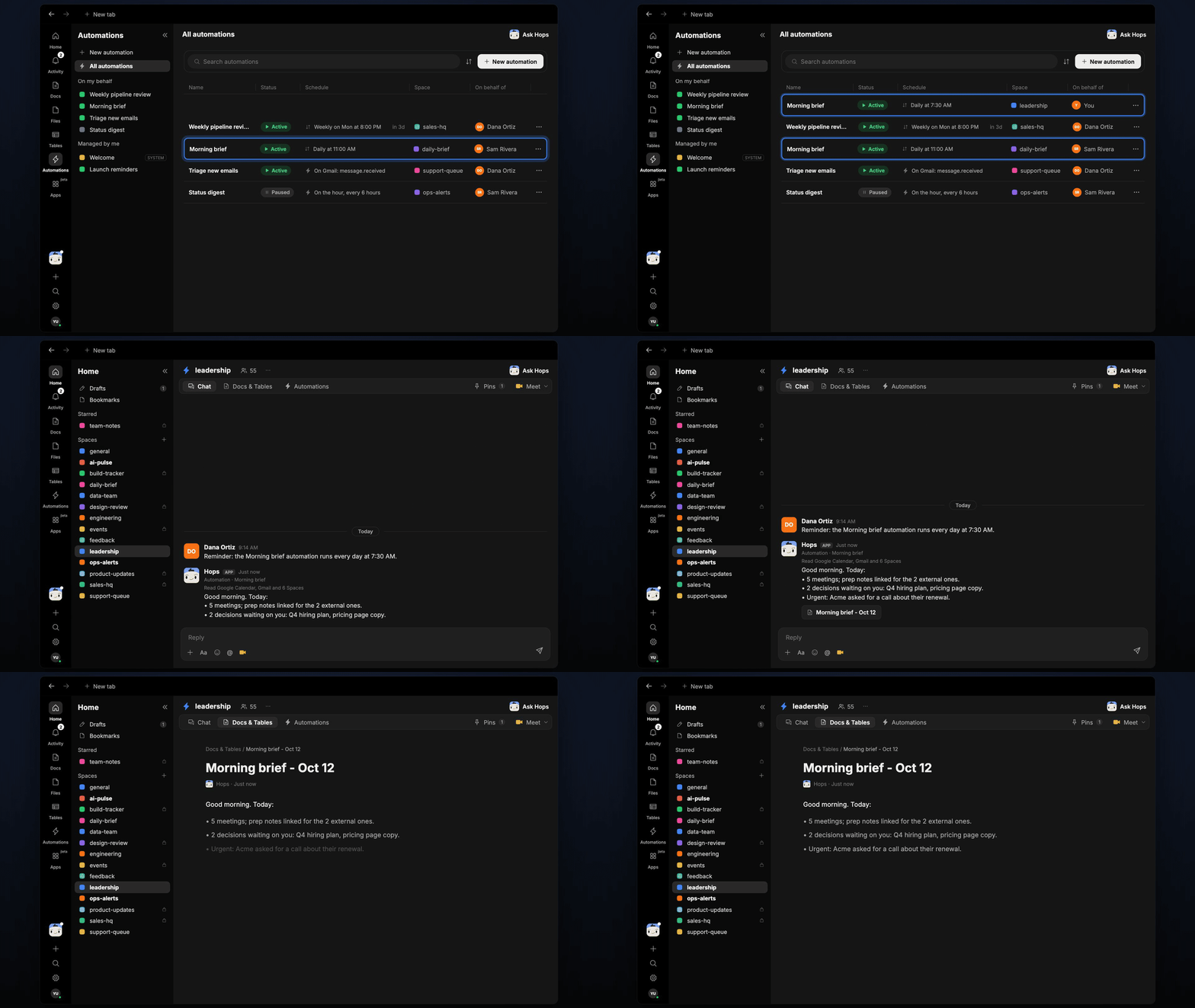
How it runs: Scheduled. An automation runs every day at 7:30 AM, posts the brief in your Space chat and saves a dated Doc. You can also ask Hops any time.
What it does
- Reads your day. Hops checks Google Calendar for today’s meetings and flags which are external.
- Finds what is waiting on you. It scans Gmail for unread mail from the people you care about and open decisions in team threads.
- Watches team Spaces and Slack. New threads that mention you or need a call are pulled in.
- Keeps it short. Three sections, meetings, decisions waiting and urgent, in under 150 words.
- Links to prep. External meetings link to prep notes so you can open them straight away.
Ask Hops
Copy a prompt into any chat with Hops, or mention@Hops in a Space.
Good morning. Today:
- 5 meetings; prep notes linked for the 2 external ones.
- 2 decisions waiting on you: Q4 hiring plan, pricing page copy.
- Urgent: Acme asked for a call about their renewal.
What you get
- A brief in the Space chat every morning at 7:30, ready before your first meeting.
- A dated Doc saved to Docs in the Space, so you can look back at any day.
- On-demand briefs. Ask Hops any time for an updated view.
Connections needed
Connect the apps Hops reads each morning. Each card opens Connections in the app.Google Calendar
Today’s meetings and attendees.
Gmail
Unread mail from key people.
Slack
Threads that need you.
Set it up
1
Connect your apps
Connect the apps above in Connections.See Connections.
2
Create the Space
Create a personal leadership Space. List the people and topics you care about in Space context.See Spaces and Space context.
3
Add the skill
4
Schedule it
Run it every day at 7:30 AM. Hops posts the brief in the Space chat and saves a dated Doc to Docs.See Automation.