

How it runs: Ask Hops. No skill or automation needed. Connect your apps and ask in any chat.
What it does
- Finds the meeting. Hops reads Google Calendar to identify the attendees and companies for the meeting you name.
- Researches each person and company. Role, background, recent news and anything they have said publicly, found through web research.
- Checks your history. Hops searches Gmail for past threads so the brief includes what was already discussed.
- Suggests an angle. The brief covers why they are meeting you, what to ask and what to avoid.
- Cites every source. Each fact links to where it came from, and gaps are called out instead of guessed.
Ask Hops
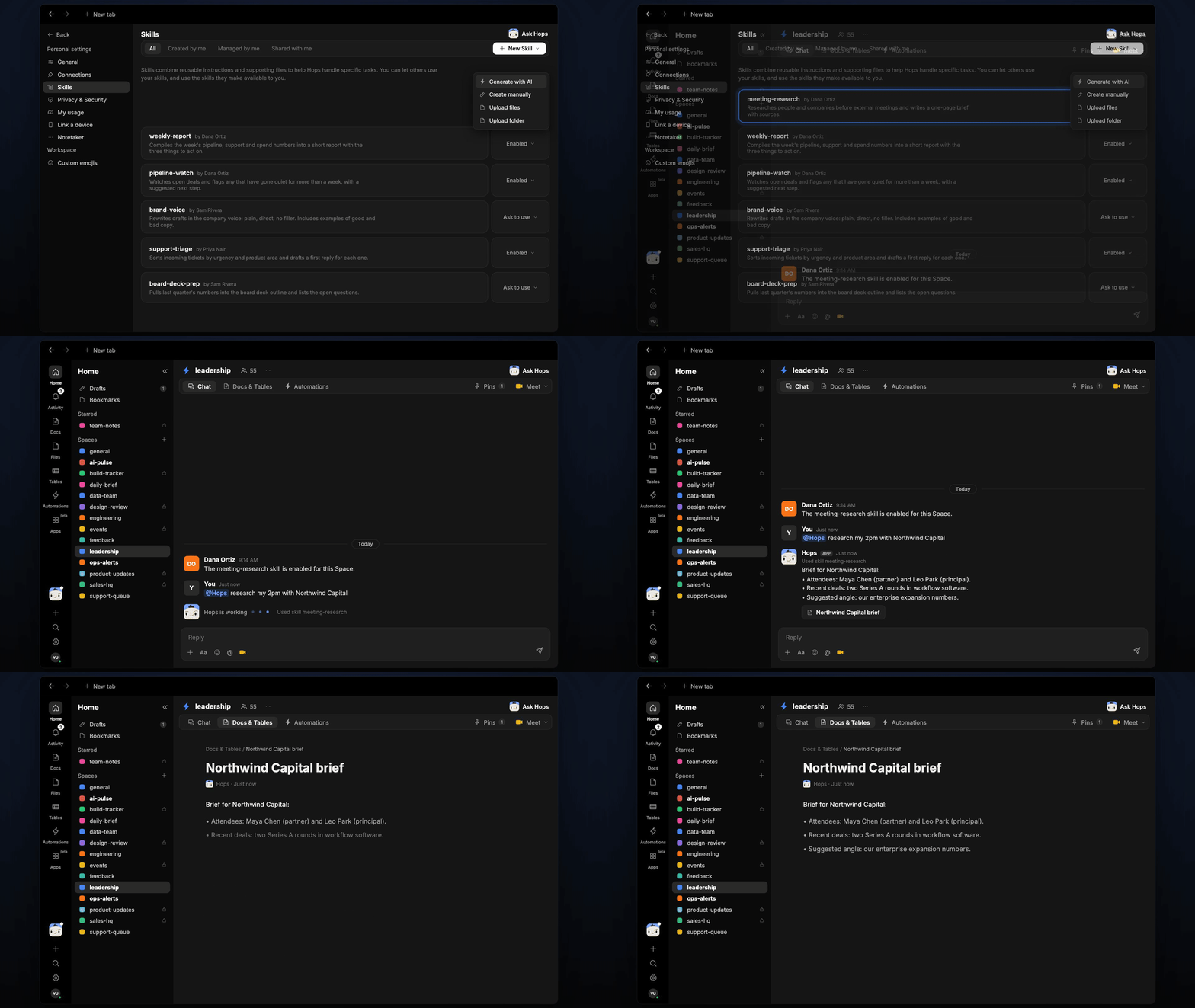
Copy a prompt into any chat with Hops, or mention@Hops in a Space.
Brief for Northwind Capital:
- Attendees: Maya Chen (partner) and Leo Park (principal).
- Recent deals: two Series A rounds in workflow software.
- Past threads: intro email from Sep 4, no follow-up yet.
- Suggested angle: our enterprise expansion numbers.
What you get
- An answer in chat, in the same thread, with a linked source for every point.
- A saved Doc, when you ask for one. Say “save this as a doc” and Hops writes the brief to Docs in the Space.
Connections needed
Connect the apps Hops uses for context. Web research needs no connection. Each card opens Connections in the app.Google Calendar
Meetings and attendees.
Gmail
Past threads with the people you are meeting.
Set it up
1
Connect your apps
Connect Google Calendar and Gmail in Connections.See Connections.
2
Pin your one-pager (optional)
Create a leadership Space and pin your company one-pager in Space context so briefs suggest the right angle.See Spaces and Space context.
3
Ask
Ask Hops in chat. That’s it.