

How it runs: Ask Hops. No skill or automation needed. Connect your apps and ask in any chat.
What it does
- Answers from your own docs. Hops reads GitHub code and READMEs, ADRs in Notion or Google Docs, and past Slack threads.
- Leads with the answer, then cites sources. Every point links to the file, ADR or thread it came from.
- Flags drift. When the docs disagree with the code, Hops says so and shows both.
- Says when nothing is documented. Hops tells you the answer is not written down and suggests who has worked on it.
- Respects access. Hops only reads what each connection can see.
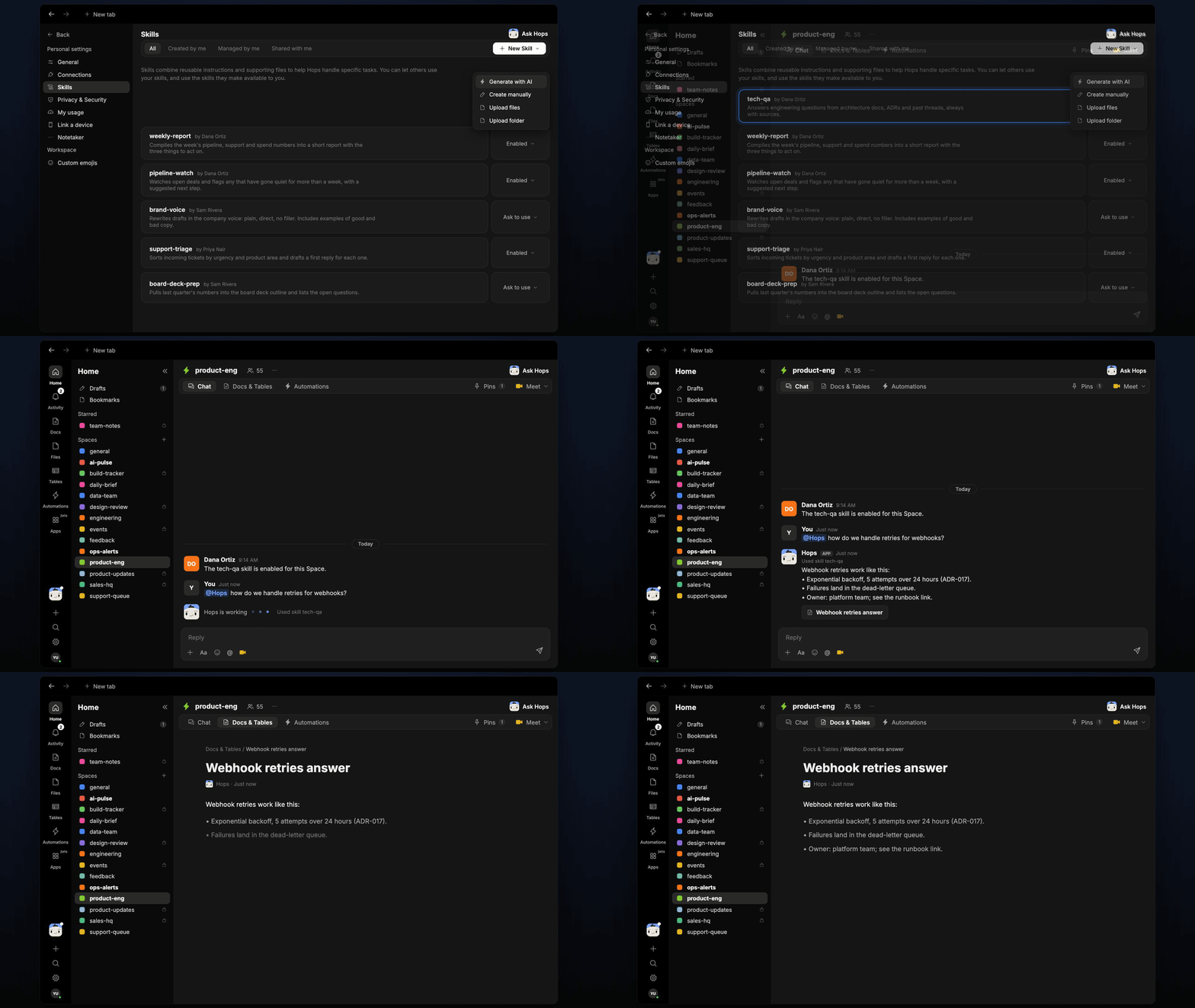
Ask Hops
Copy a prompt into any chat with Hops, or mention@Hops in a Space.
Webhooks retry with exponential backoff, 5 attempts over 24 hours (ADR-017).
- After the last attempt, the event moves to the dead-letter queue.
- The platform team owns the queue and replays events on request.
- The README says 3 attempts, but the code uses 5. The README is out of date.
What you get
- An answer in chat, in the same thread, with a linked source for every point.
- A saved Doc, when you ask for one. Say “save this as a doc” and Hops writes the answer to Docs in the Space.
Connections needed
Connect these apps. Each card opens Connections in the app.GitHub
Code, READMEs and pull requests.
Notion
ADRs and architecture pages.
Google Docs
ADRs and design docs.
Slack
Past engineering threads.
Set it up
1
Connect your apps
Connect the apps above in Connections. Use Notion or Google Docs, whichever holds your ADRs.See Connections.
2
Pin what matters (optional)
Create a product-eng Space and pin your architecture overview and ADR index in Space context, so Hops checks them first.See Spaces and Space context.
3
Ask
Ask Hops an engineering question in chat. That’s it.