

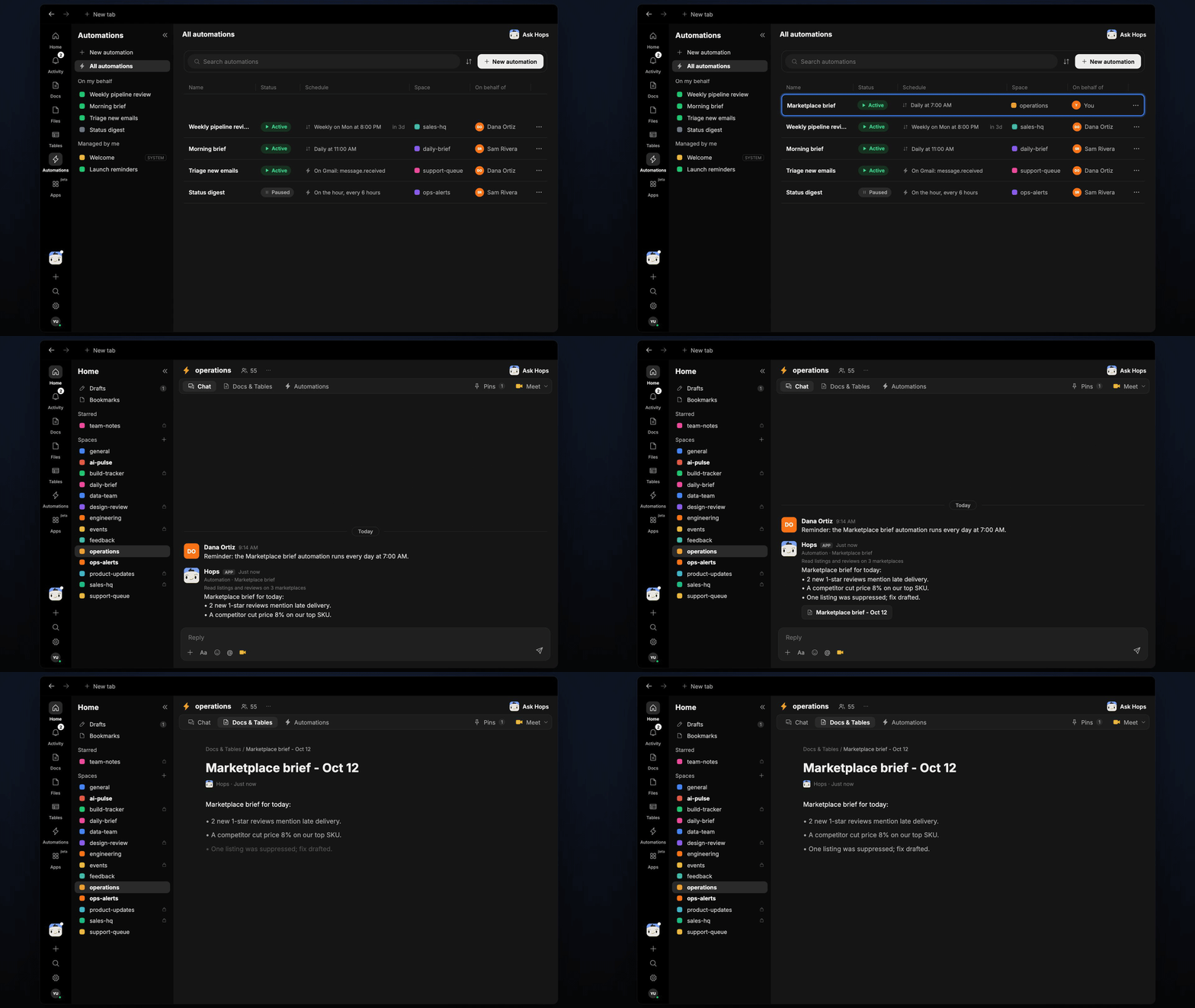
How it runs: Scheduled. An automation runs every day at 7am, posts the brief and saves it as a dated Doc. You can also ask Hops any time.
What it does
- Checks your top SKUs. Hops reads listings and reviews on each marketplace seller account for the SKUs listed in Space context.
- Reports new reviews. New low ratings and recurring complaints are grouped so you see the pattern.
- Spots listing issues. Suppressed, out-of-stock or changed listings are flagged.
- Tracks competitor prices. It compares against the pricing sheet in Google Sheets and notes changes.
- Suggests one action per issue. The brief stays under 8 lines.
Ask Hops
Copy a prompt into any chat with Hops, or mention@Hops in a Space.
Marketplace brief for today:
- 4 new reviews; 2 mention a leaking lid on the Acme Trail Bottle.
- Globex undercut us by $2 on the Summit Pack; consider matching.
- 1 listing suppressed on Amazon; fix the missing image.
What you get
- An answer in chat, in the same thread, whenever you ask.
- A daily Slack post in the operations channel with the brief.
- A dated brief Doc in Docs of the Space, so you can look back at trends.
Connections needed
Connect these apps. Each card opens Connections in the app.Google Sheets
Your pricing sheet.
Slack
Posts the daily brief.
Set it up
1
Create the Space
Create an operations Space. List your marketplaces and top SKUs in Space context.See Spaces and Space context.
2
Connect your apps
Connect Google Sheets and Slack in Connections, and your marketplace seller accounts if they are available as apps.See Connections.
3
Add the skill
4
Schedule it
Every day at 7am Hops posts the brief to the operations channel and saves it as a dated Doc.See Automation.