

How it runs: Scheduled. An automation runs every weekday at 9am until each promo launches, posts the risks and updates the promo risk Table. You can also ask Hops any time.
What it does
- Checks every upcoming promo. Hops reads promo projects in Asana or Jira for the next 6 weeks.
- Reviews launch tasks. It checks due dates and owners and flags tasks that are late or unowned.
- Compares stock to forecast. It reads stock in Google Sheets and notes where cover falls short.
- Rates each promo. Each promo gets a risk rating and its single biggest risk.
- Only nudges when something changes. Daily posts focus on new or worsening risks.
Ask Hops
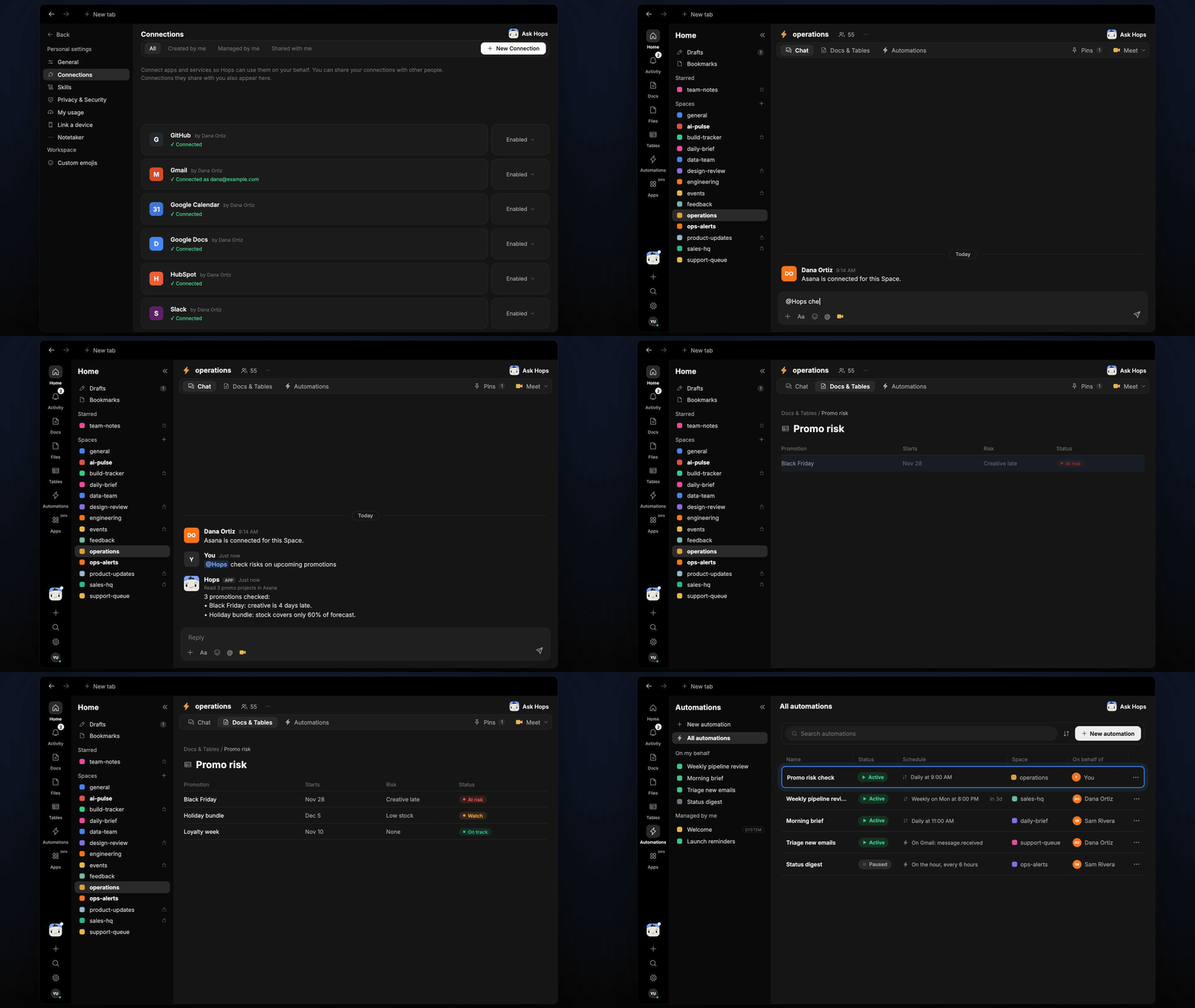
Copy a prompt into any chat with Hops, or mention@Hops in a Space.
3 promotions checked:
- Black Friday: creative is 4 days late.
- Holiday bundle: stock covers only 60% of forecast.
- Loyalty week is on track.
What you get
- An answer in chat, in the same thread, whenever you ask.
- A weekday Slack post in the operations channel with new or worsening risks.
- A promo risk Table in Tables of the Space with the rating, biggest risk and owner for each promo.
Connections needed
Connect these apps. Each card opens Connections in the app.Asana
Promo projects and launch tasks (or Jira).
Google Sheets
Stock levels and forecast.
Slack
Posts risks to the operations channel.
Set it up
1
Create the Space
Create an operations Space. Pin the promo calendar in Space context.See Spaces and Space context.
2
Connect your apps
Connect the apps above in Connections.See Connections.
3
Add the skill
4
Schedule it
Every weekday at 9am until each promo launches, Hops posts new risks to the operations channel and updates the promo risk Table.See Automation.