

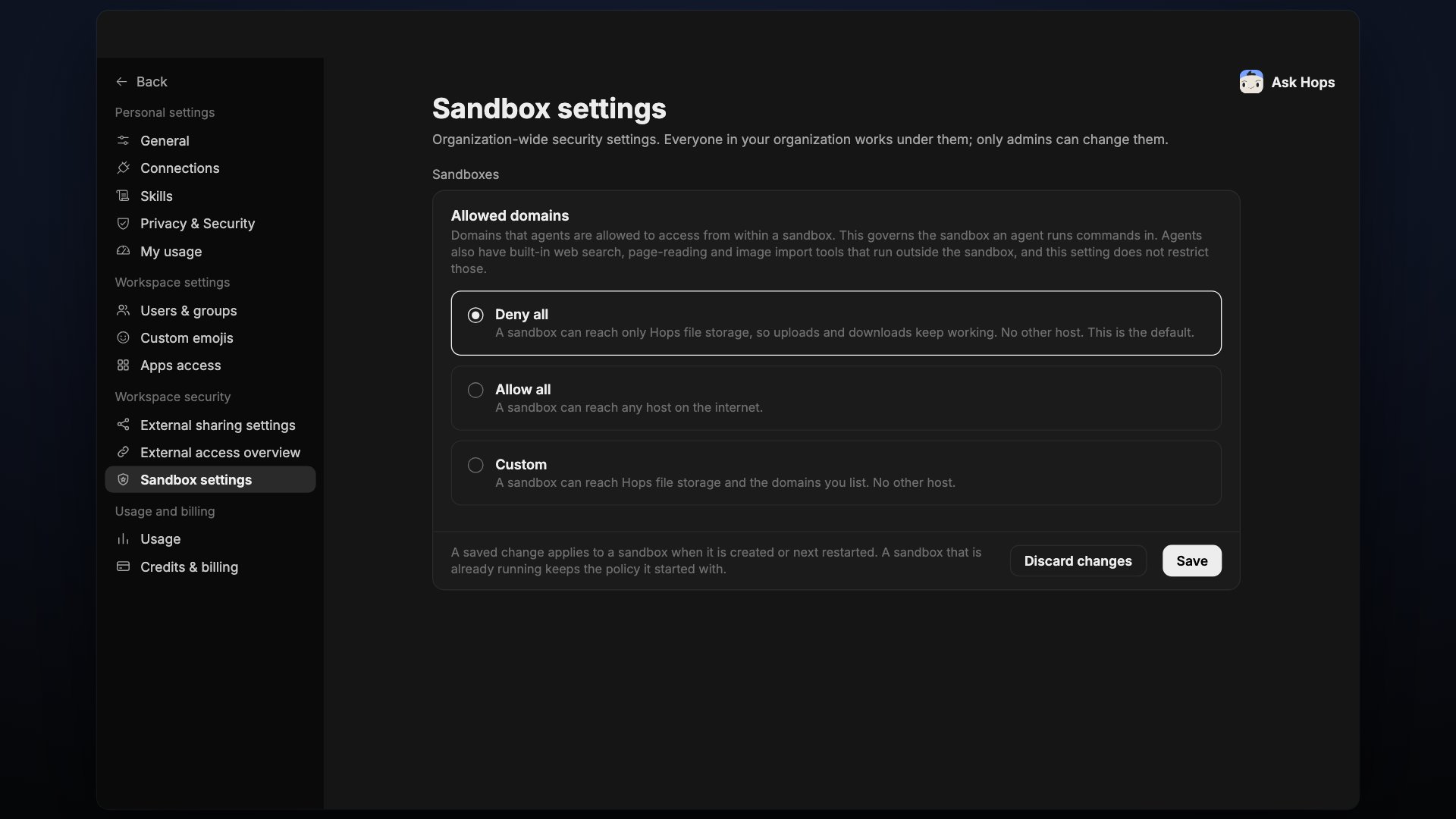
Allowed domains
Domains that agents are allowed to access from within a sandbox. This governs the sandbox an agent runs commands in. Agents also have built-in web search, page-reading and image import tools that run outside the sandbox, and this setting does not restrict those.
Select Save to apply a change, or Discard changes to revert.
A saved change applies to a sandbox when it is created or next restarted. A sandbox that is already running keeps the policy it started with.