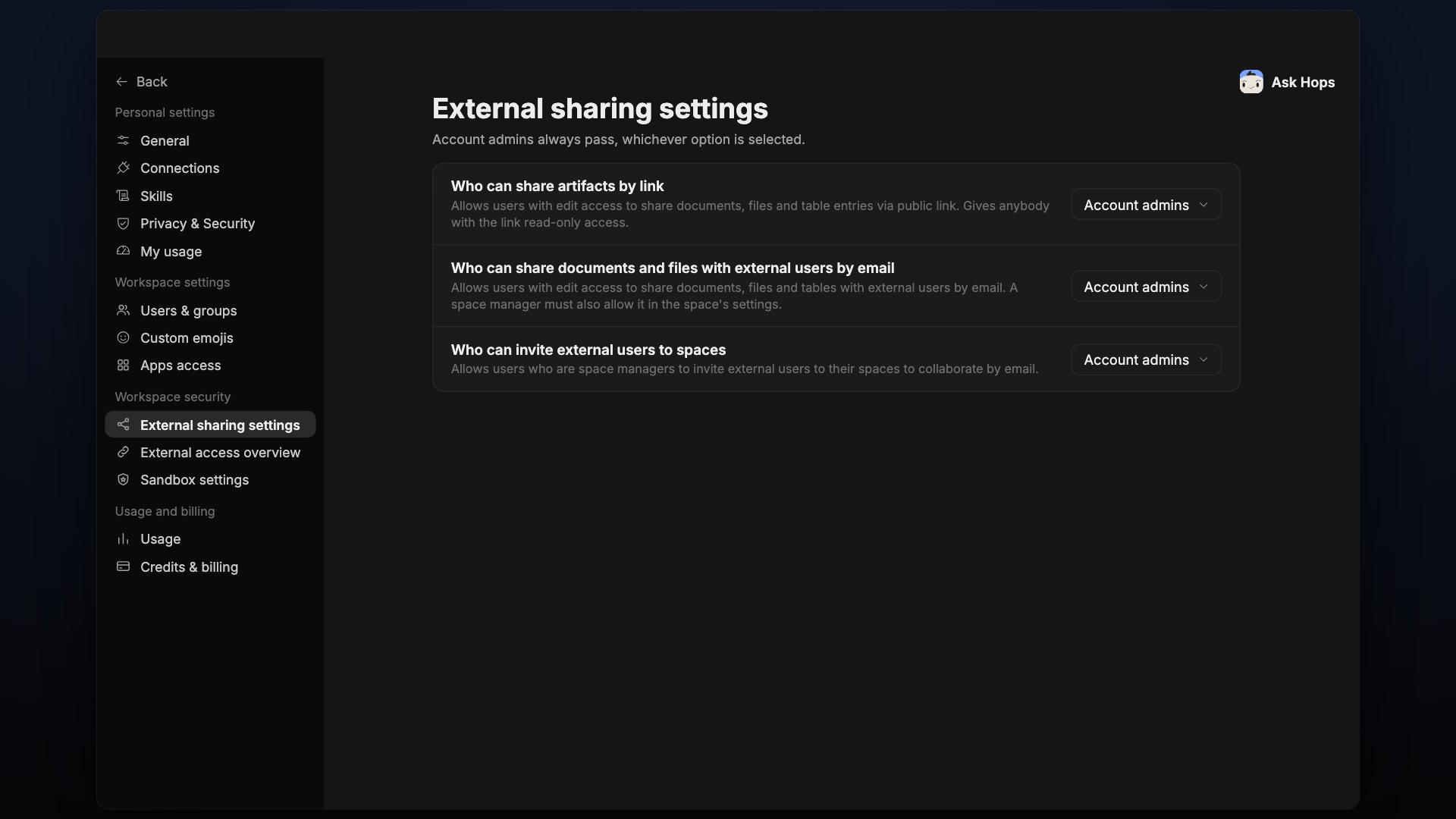
External sharing settings lives under Workspace security. Account admins always pass, whichever option is selected.
External sharing settings with three permission dropdowns.
Each setting defaults to Account admins. The options are All users, Account admins and Specific users. Allows users with edit access to share documents, files and table entries via public link. Gives anybody with the link read-only access.

Who can share documents and files with external users by email

Allows users with edit access to share documents, files and tables with external users by email. A space manager must also allow it in the space’s settings.

Who can invite external users to spaces

Allows users who are space managers to invite external users to their spaces to collaborate by email.