

How it runs: Scheduled. An automation runs every Sunday at 6:00 PM, posts the pipeline and agenda and saves the pipeline table. You can also ask Hops any time.
What it does
- Reads the deal pages. Hops uses deal notes in Notion or Attio, plus Gmail and Google Calendar for recent founder contact.
- Builds the pipeline. Deals are listed by stage with lead and status.
- Picks what needs a decision. Deals ready for a partner call are separated from the rest.
- Drafts the agenda. One line per deal, in the order you will discuss them.
- Notes what changed. New founders sourced and deals that moved stage since last week are highlighted.
Ask Hops
Copy a prompt into any chat with Hops, or mention@Hops in a Space.
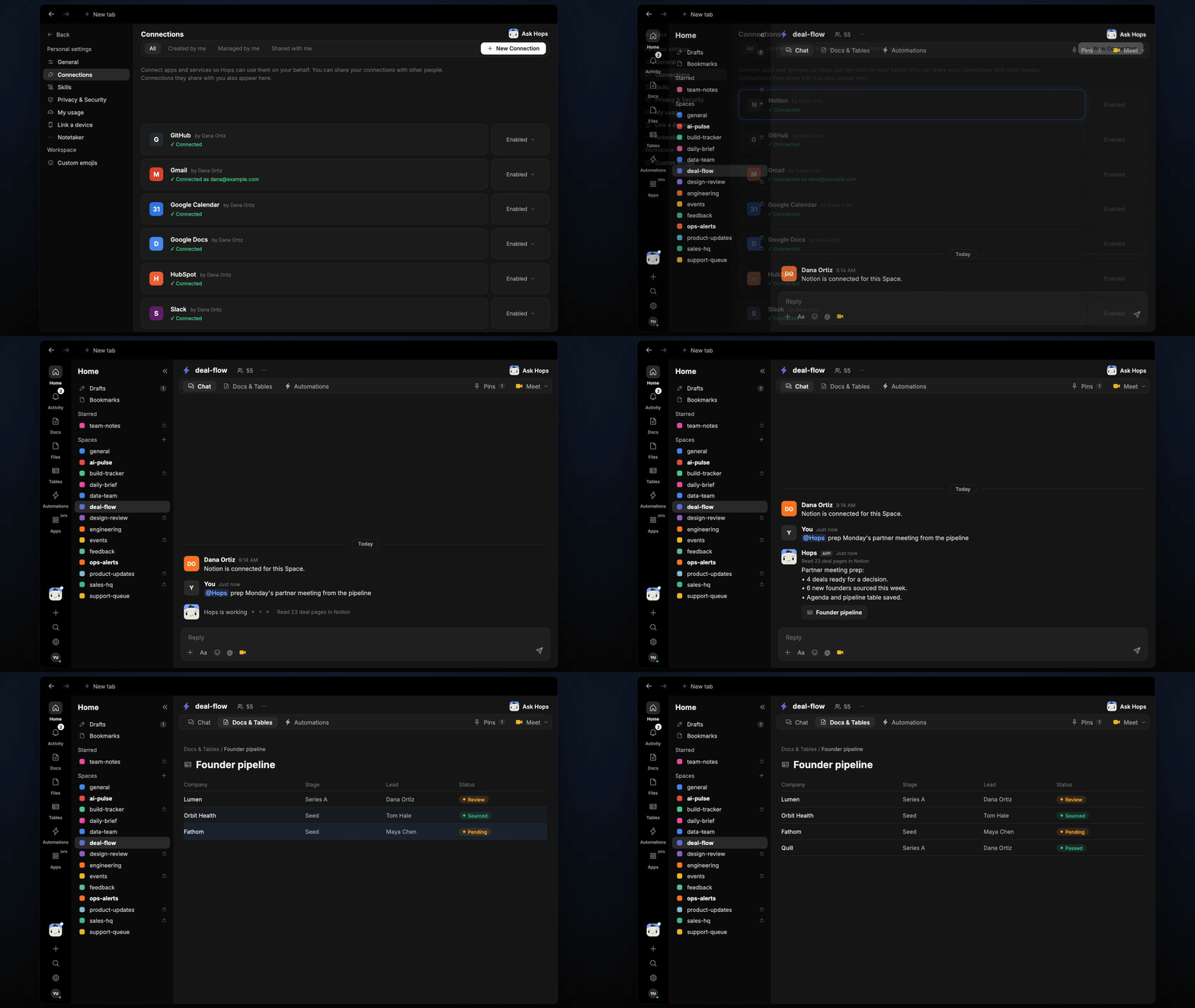
Partner meeting prep:
- 4 deals ready for a decision.
- 6 new founders sourced this week.
- Agenda and pipeline table saved.
What you get
- A weekly post in the deal-flow Space (or Slack channel) with the pipeline summary and agenda.
- A dated Doc in Docs with the agenda and an updated pipeline Table in Tables.
- Answers on demand. Ask Hops about any deal or founder in chat.
Connections needed
Connect these apps. Each card opens Connections in the app.Notion
Deal notes and pipeline pages (or Attio).
Google Calendar
Founder meetings and partner meeting time.
Gmail
Recent founder threads.
Slack
Where the weekly post goes.
Set it up
1
Connect your apps
Connect the apps above in Connections.See Connections.
2
Create the Space
Create a deal-flow Space and pin your investment criteria in Space context.See Spaces and Space context.
3
Add the skill
4
Schedule it
Run it every Sunday at 6:00 PM. It posts the pipeline and agenda to the deal-flow Space and saves the agenda Doc and pipeline Table.See Automation.