

How it runs: Ask Hops, with a skill so the output has the same format every time. No automation needed.
What it does
- Reads the deal materials. Hops uses the deck, data-room files and diligence notes in Google Drive or Dropbox, plus internal research in Notion and email threads in Gmail.
- Follows your format. Sections are thesis, market, team, product, traction, risks and ask, matching your template.
- Cites every claim. Each point names the diligence doc, call notes or data-room file it came from.
- Never invents metrics. Missing numbers are listed as open questions.
- Surfaces risks. Gaps and inconsistencies between sources are called out.
Ask Hops
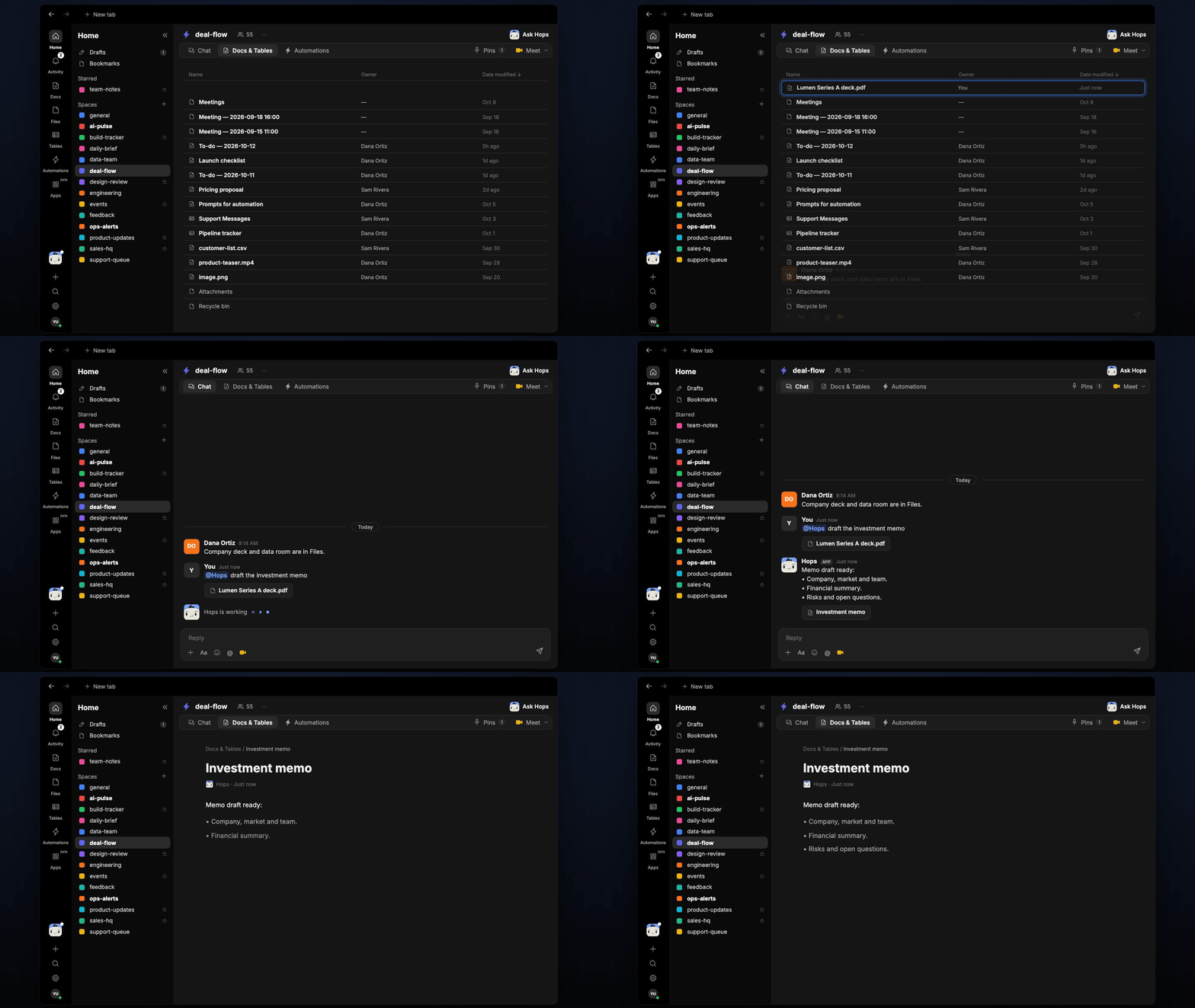
Copy a prompt into any chat with Hops, or mention@Hops in a Space.
Memo draft ready:
- Thesis, market and team drafted with sources.
- Financial summary from the data room.
- Risks and open questions listed; 3 metrics not yet verified.
What you get
- A draft in chat, in the same thread, in your memo format.
- A saved Doc, when you ask for one. Say “save this as a doc” and Hops writes the memo to Docs in the deal Space.
Connections needed
Connect these apps. Each card opens Connections in the app.Google Drive
Data rooms and diligence notes (or Dropbox).
Notion
Internal research.
Gmail
Founder and advisor threads.
Set it up
1
Connect your apps
Connect the apps above in Connections.See Connections.
2
Create the Space
Create a deal-flow Space per deal in diligence and pin the memo template and thesis framework in Space context.See Spaces and Space context.
3
Add the skill
4
Ask
Ask Hops in chat to draft the memo.