> ## Documentation Index
> Fetch the complete documentation index at: https://hopsdocs.mintlify.site/llms.txt
> Use this file to discover all available pages before exploring further.
# Core concepts
> The building blocks of Hops: Spaces, agents, shared context, search, and activity.
Hops has a few key ideas. Once you get these, everything else clicks.
## Spaces
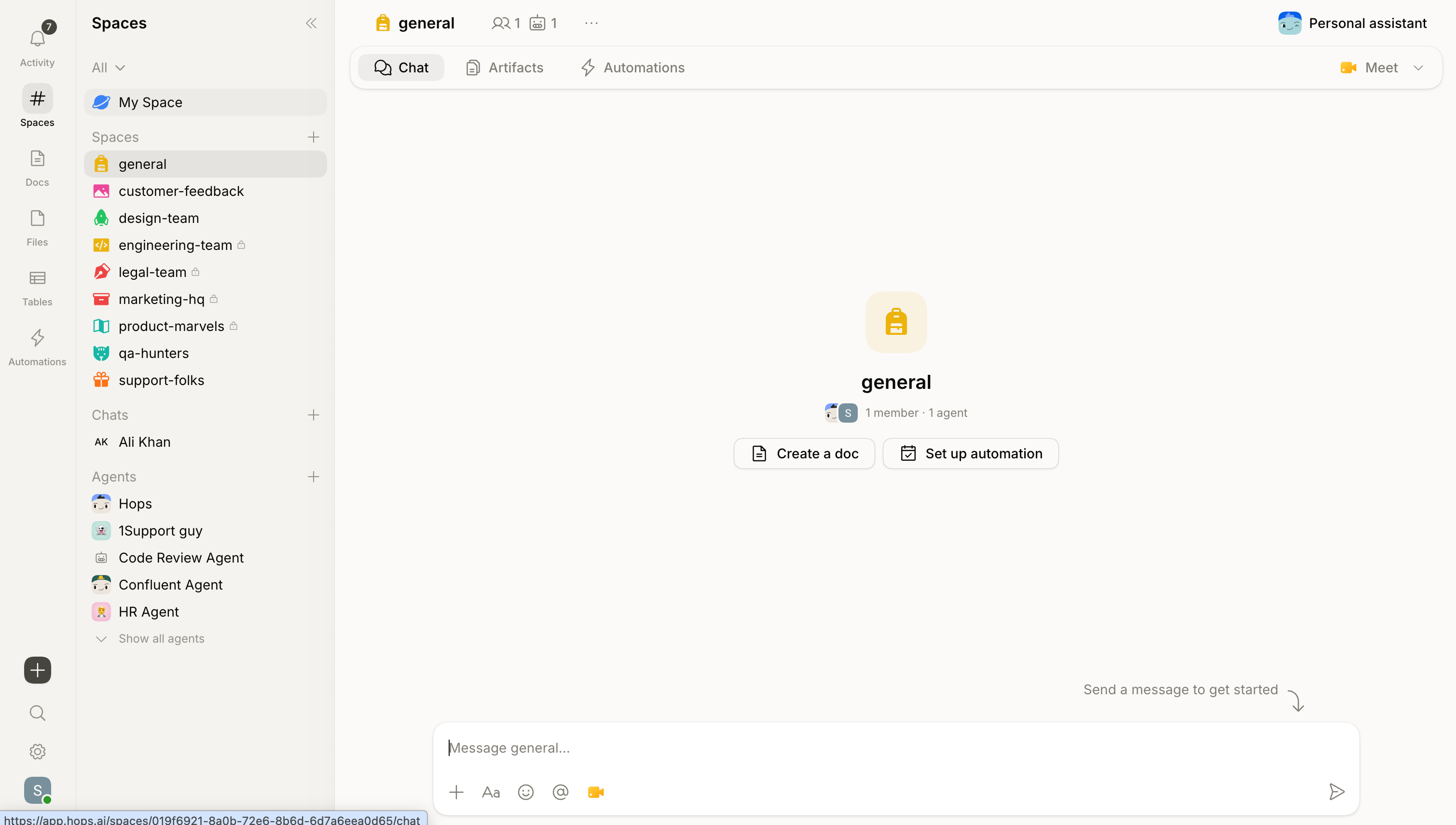
A [Space](/docs/spaces/overview) is a project room. It's where your team has conversations, shares docs, maintains standing context, and works with agents — all in one place.
Create a Space for a launch, a client, or an ongoing team channel. Everything inside becomes context your agents can use.
One Space per project or workflow keeps things focused and makes your agents more accurate.
## Agents
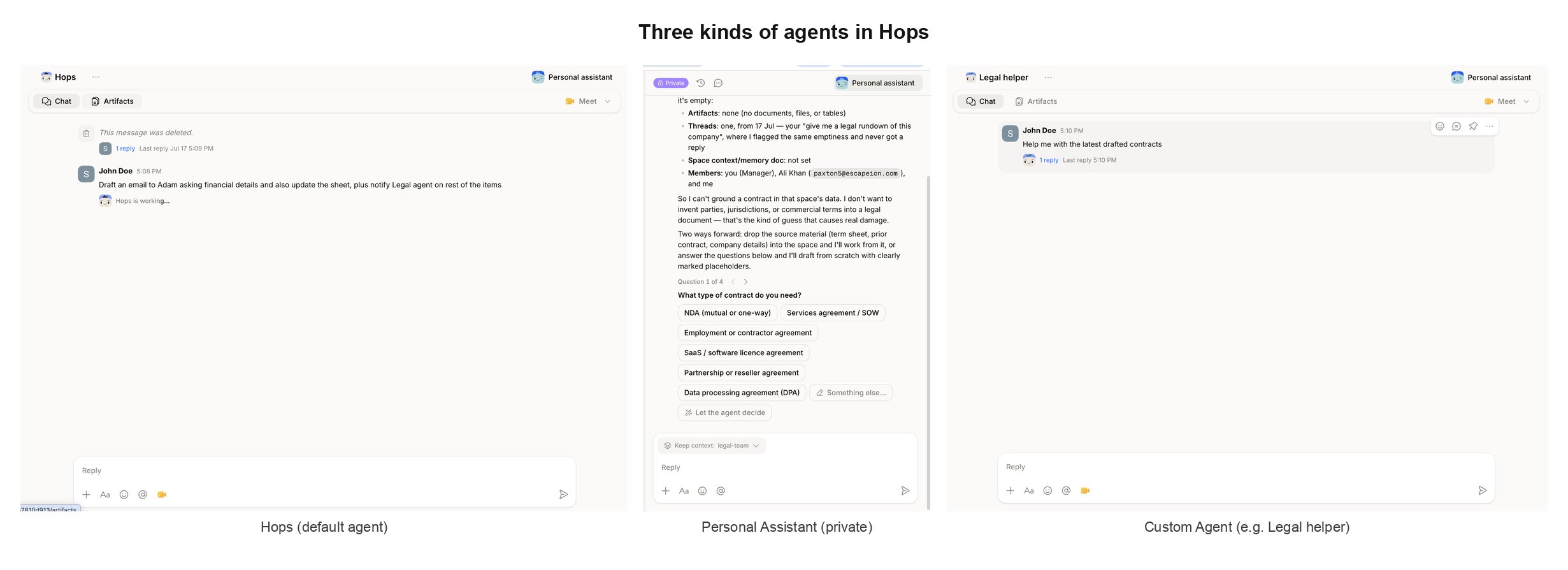 Agents are the AI members of your team. They live inside your Spaces, respond when you tag them with `@`, and use your team's actual context to get work done.
* **Default agent (`@Hops`)** — available in every Space, no setup needed. Uses admin-added connections plus your personal connections.
* **Custom agents** — built for specific roles with their own instructions and connections. Tag with `@[name]`.
* **Personal agent** — private to you, reads only your personal connections.
A Space can have multiple agents. Tag different ones in the same thread and each responds from its own specialization.
See [Agents](/docs/agents/overview) for the full picture.
## Shared context
Agents are the AI members of your team. They live inside your Spaces, respond when you tag them with `@`, and use your team's actual context to get work done.
* **Default agent (`@Hops`)** — available in every Space, no setup needed. Uses admin-added connections plus your personal connections.
* **Custom agents** — built for specific roles with their own instructions and connections. Tag with `@[name]`.
* **Personal agent** — private to you, reads only your personal connections.
A Space can have multiple agents. Tag different ones in the same thread and each responds from its own specialization.
See [Agents](/docs/agents/overview) for the full picture.
## Shared context
Your agents remember. Every conversation, every doc, and every connected tool adds to a Space's shared context. The next question already has the background — nobody re-explains the project.
Context comes from:
* The **Space Context** document — a pinned brief agents always read
* Conversations in your Spaces
* Docs, files, and artifacts shared with the team
* Tools you've connected (Slack, Drive, Salesforce, etc.)
* Previous decisions and work
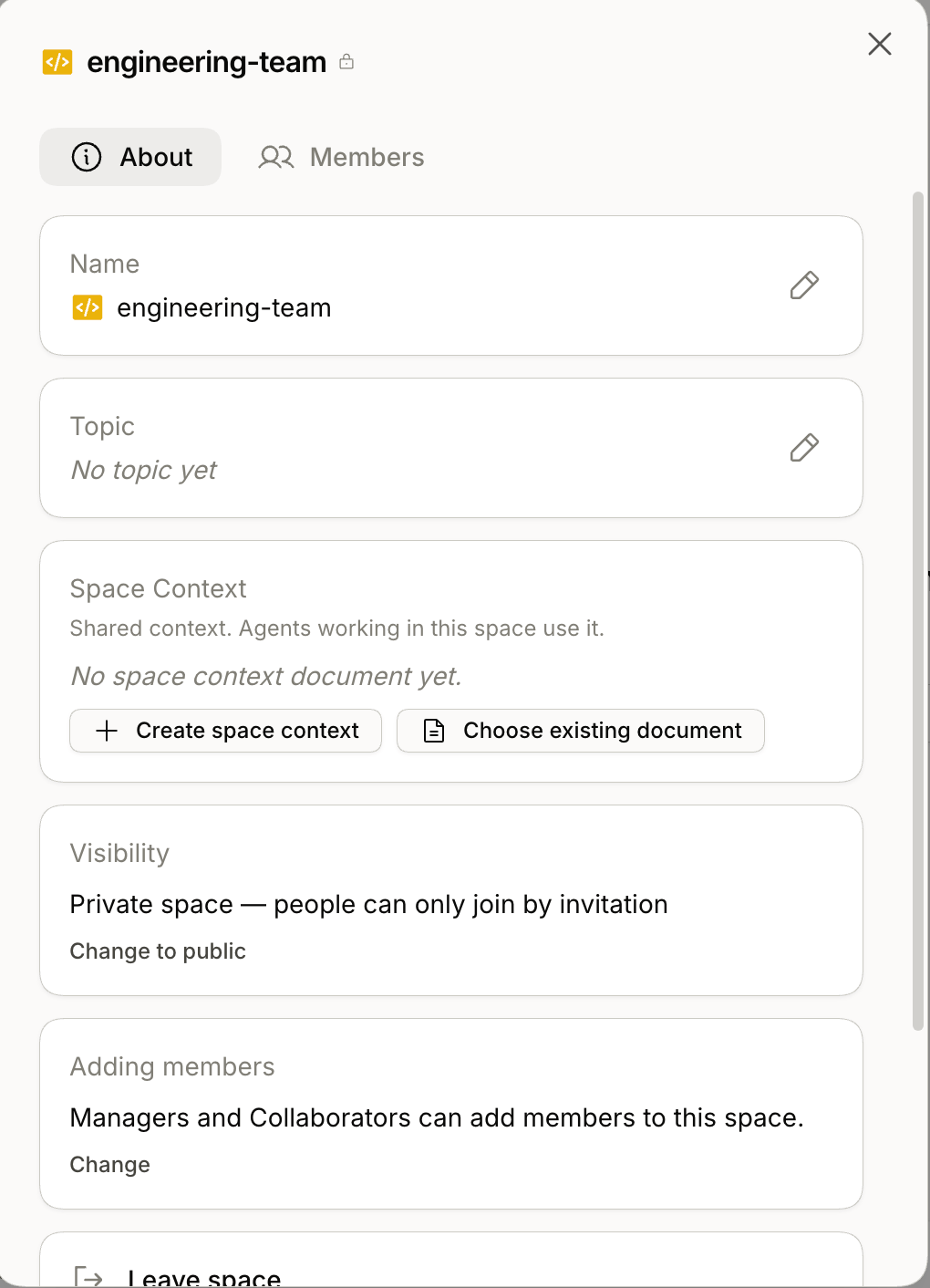
Set up **Space Context** early — it's the fastest way to make every agent in the Space sharper.
## Connected tools
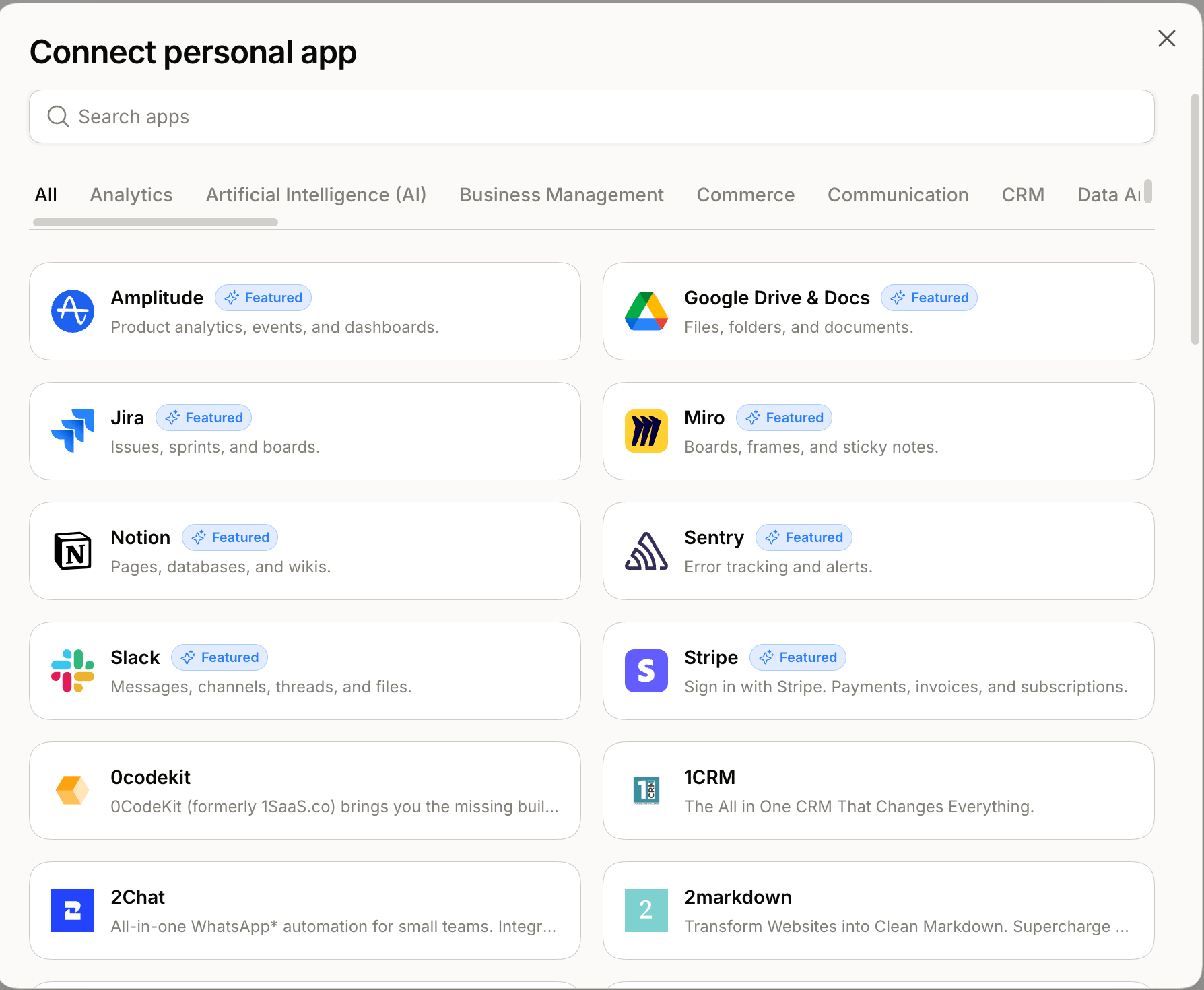
Hops [connects to 2,000+ apps](/docs/connections/overview) via the Pipedream catalog. Once a tool is connected, agents can read from it instead of you copy-pasting.
* The default `@Hops` agent uses admin-added connections plus your personal connections.
* Custom agents get their own connections.
* Your personal agent uses only your personal connections.
## Search
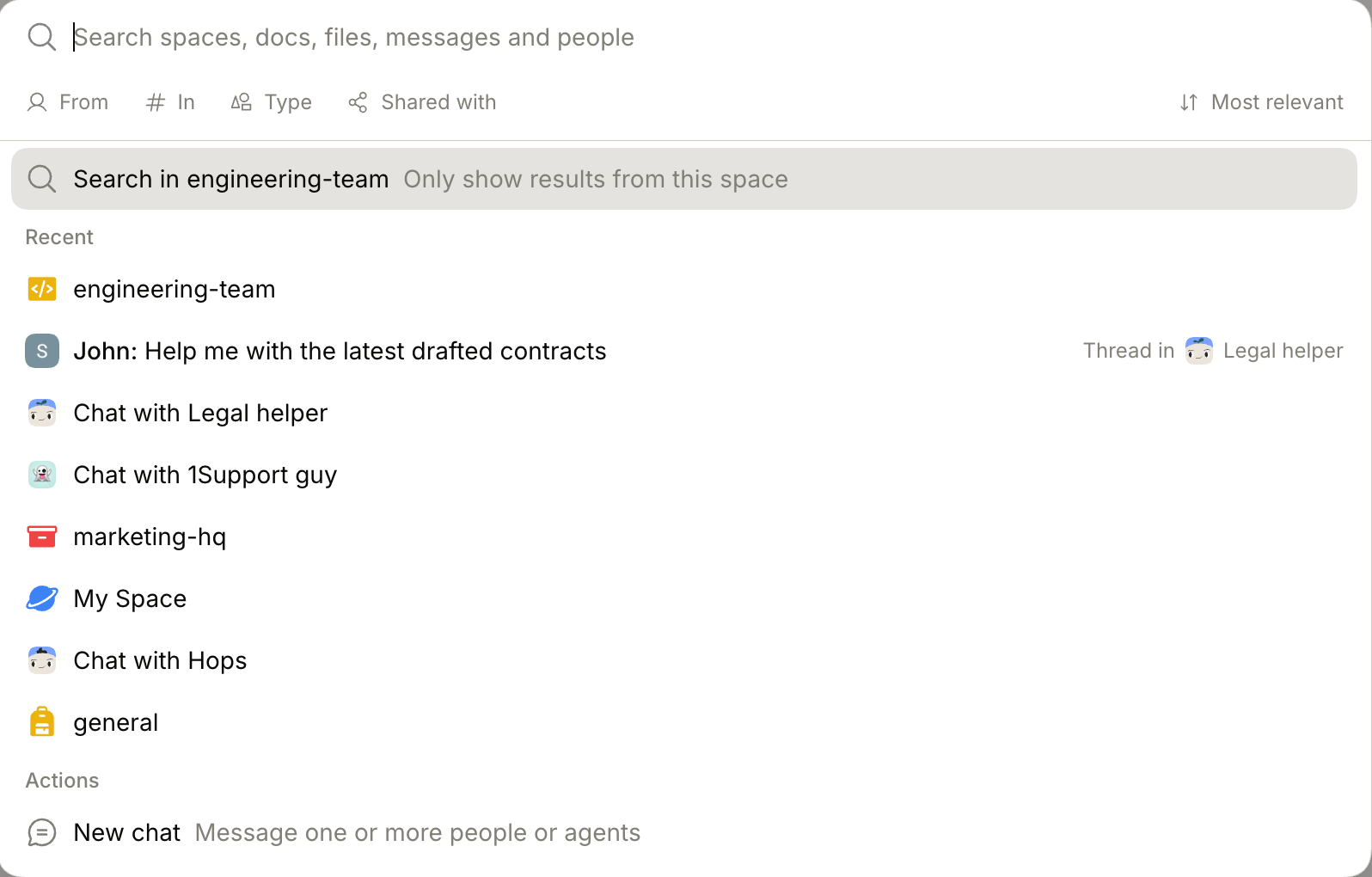
One search covers your whole workspace. Click the **Search** icon at the bottom of the left sidebar (or press ⌘ K).
You'll find Spaces, docs, files, tables, and messages you have access to. Filter by **From**, **In**, **Type**, or **Shared with**, and sort by relevance or recency.
Search is scoped to what you can access. Private Spaces you're not in won't appear.
## Activity
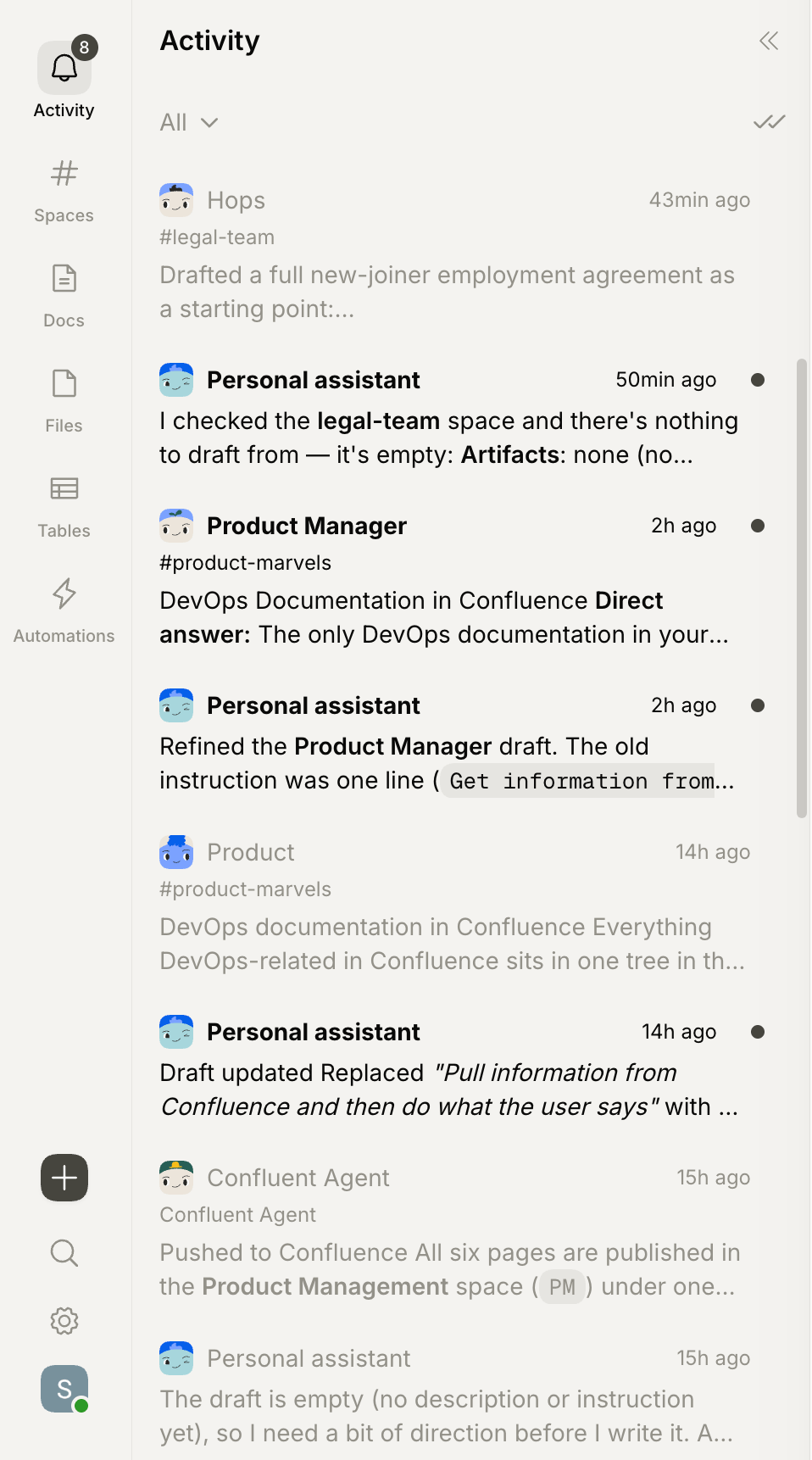
The **Activity** tab in the left sidebar is your unified inbox. Every notification lands here — @mentions, thread replies, agent updates, and Personal Assistant nudges — so you don't have to scan each Space.
* **Click** any entry to jump into the source thread.
* **Filter** to narrow to mentions, replies, or a specific update type.
* **Mark all as read** with the double-check icon.
## Visible work and control
Every agent response shows what it used and what it did. Anything with real-world consequences (sending an email, updating a record) asks for your approval first.
## What's next
Create your first agent in under five minutes.
How Spaces organize your team's work.
How agents work in Hops.
Plug in the tools your team already uses.