> ## Documentation Index
> Fetch the complete documentation index at: https://hopsdocs.mintlify.site/llms.txt
> Use this file to discover all available pages before exploring further.
# Files
> Every file uploaded across your Spaces, in one browseable place.
The **Files** tab in the left sidebar is a single home for every file in your workspace — images, PDFs, screen recordings, zipped exports, and anything else you or your agents attach to a message, doc, or automation run.
 ## The Files view
Files are grouped in three sections:
* **Starred** — files you've marked for quick access.
* **Shared with me** — files someone else has shared with you.
* **Recent** — files uploaded or opened most recently.
The list shows each file's **Name** and its **Location** (the Space it was uploaded in). Use **Search files** to find one by name.
## Upload a file
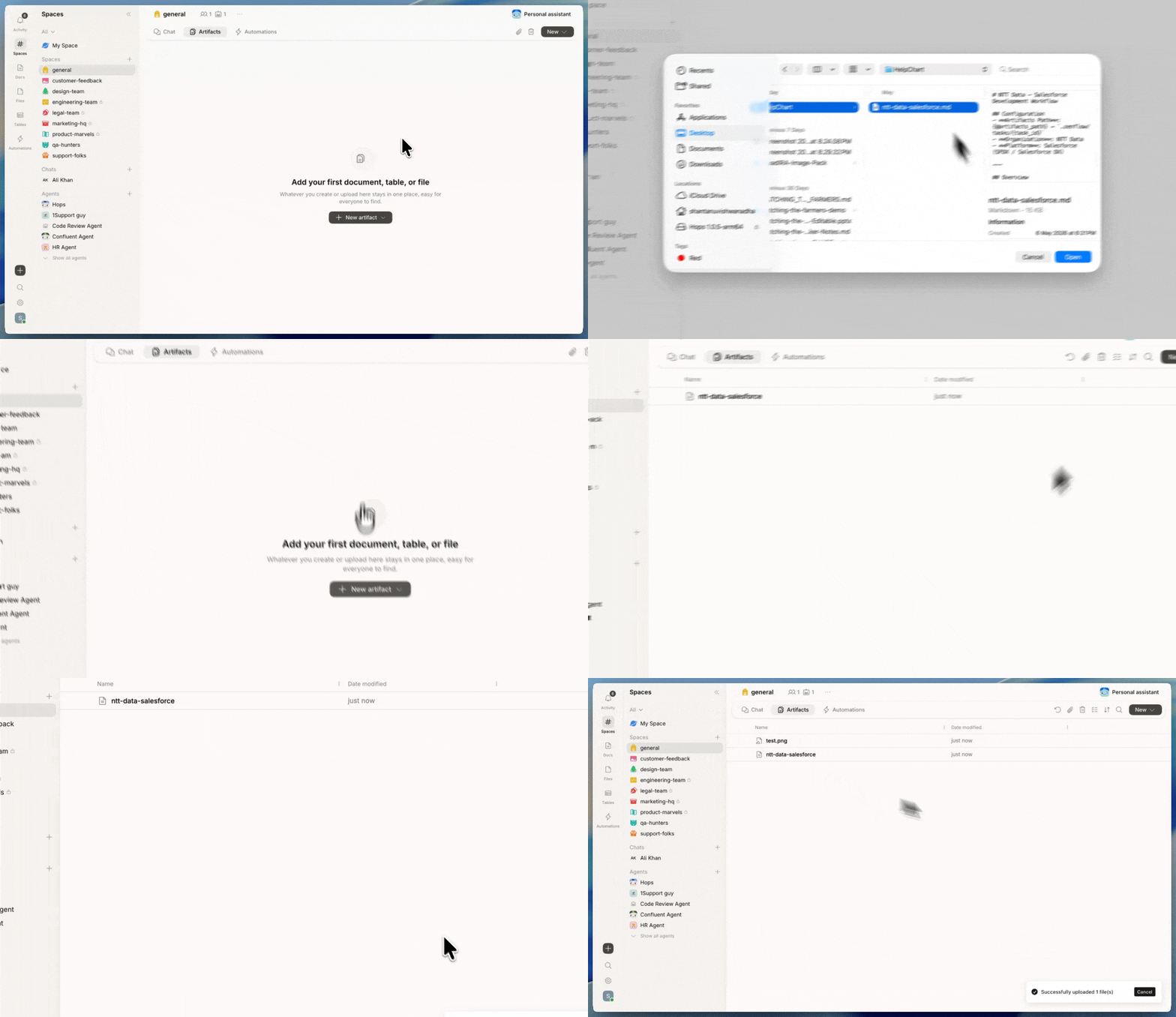
* Click **Upload file** at the top of the Files sidebar to pick a file from your device.
* Drag files into any chat composer or doc — they upload to that Space and appear here too.
* Files your agents generate (reports, exports, screenshots) automatically show up in this list.
## What Hops does with your files
* **Previews.** Images render inline and can be downloaded individually or in bulk.
* **Attachments in threads.** Every file keeps a link back to the message or automation run it came from.
* **Agent access.** Agents in a Space can read files attached to that Space's threads, docs, and automation runs.
Need to give an agent context from a PDF or spreadsheet? Upload it to a Space and ask the agent to read or summarize it.
## Related
* [Docs](/docs/artifacts/docs)
* [Sheets](/docs/artifacts/sheets)
## The Files view
Files are grouped in three sections:
* **Starred** — files you've marked for quick access.
* **Shared with me** — files someone else has shared with you.
* **Recent** — files uploaded or opened most recently.
The list shows each file's **Name** and its **Location** (the Space it was uploaded in). Use **Search files** to find one by name.
## Upload a file
* Click **Upload file** at the top of the Files sidebar to pick a file from your device.
* Drag files into any chat composer or doc — they upload to that Space and appear here too.
* Files your agents generate (reports, exports, screenshots) automatically show up in this list.
## What Hops does with your files
* **Previews.** Images render inline and can be downloaded individually or in bulk.
* **Attachments in threads.** Every file keeps a link back to the message or automation run it came from.
* **Agent access.** Agents in a Space can read files attached to that Space's threads, docs, and automation runs.
Need to give an agent context from a PDF or spreadsheet? Upload it to a Space and ask the agent to read or summarize it.
## Related
* [Docs](/docs/artifacts/docs)
* [Sheets](/docs/artifacts/sheets)